




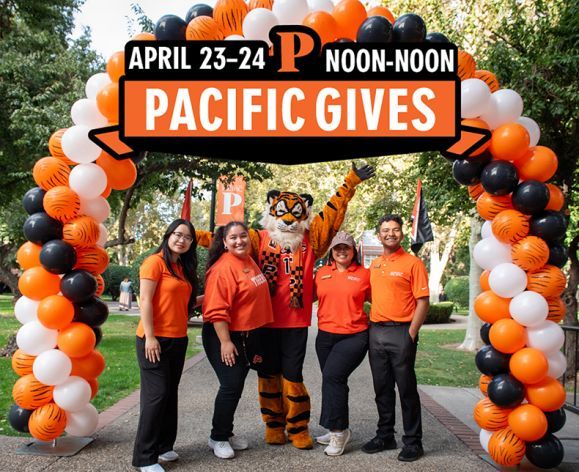
Join your fellow Tigers from around the globe to support the students and the programs that shape their future.
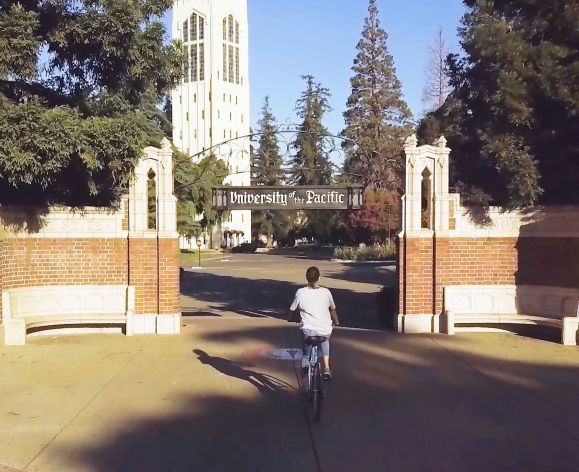
Unleash your potential and shape your future with us this Fall 2024! We take pride in our diverse and dynamic community, offering many hands-on learning experiences through research, service programs, and other opportunities. With over 80 major and minor programs, Pacific is perfect for every student's academic pursuits.
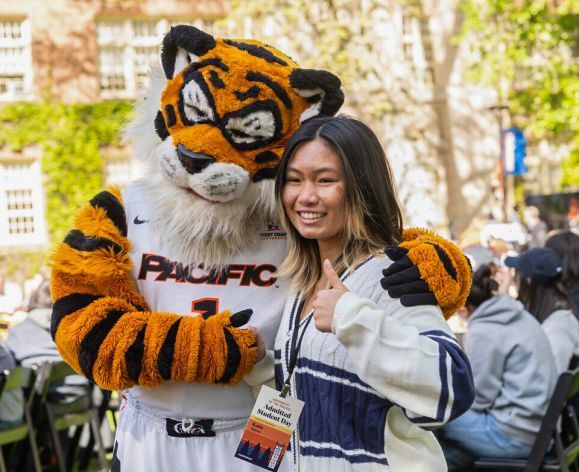
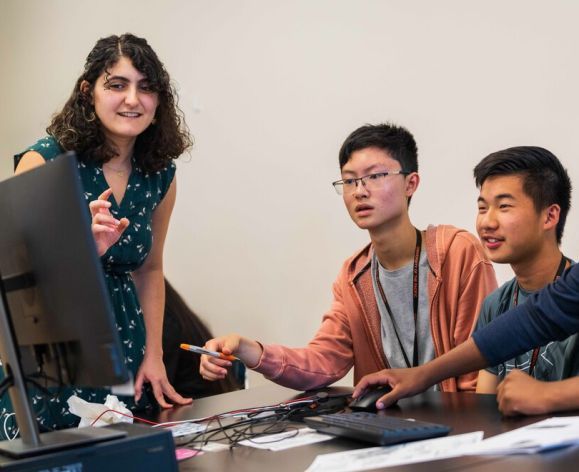
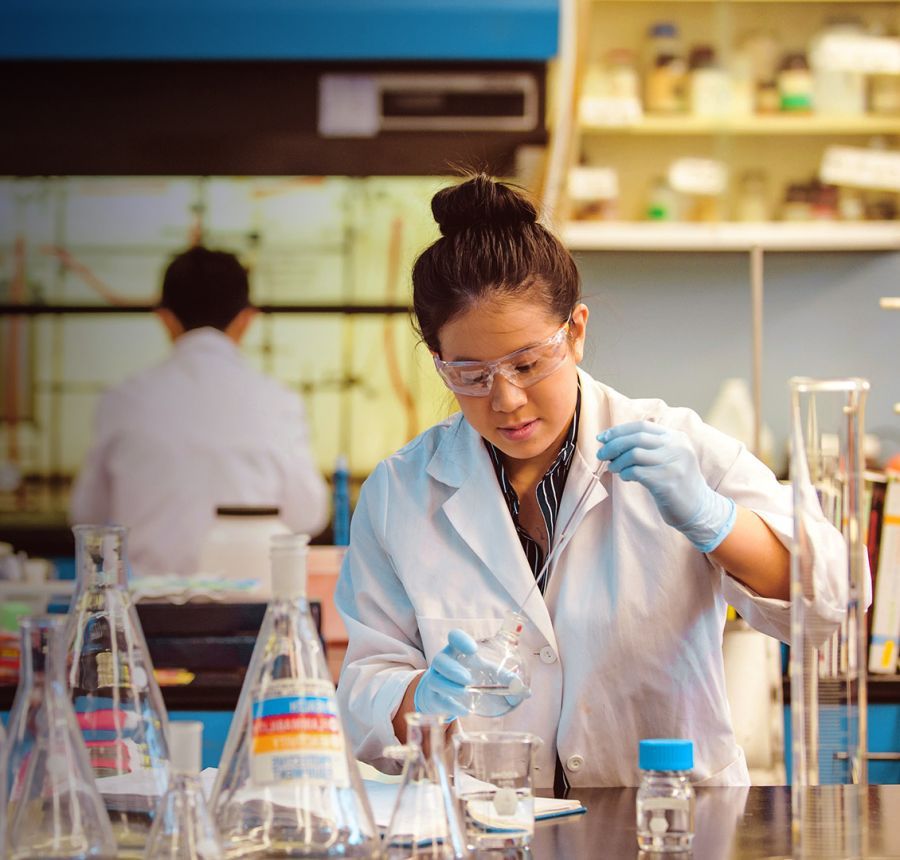
The Pacific Summer High School Institute is a two-week residential campus program designed for curious high school students to live, learn and grow at one of America’s top universities. During the two-week program, Pacific Institute students will become immersed in cutting-edge topics and issues through learning environments focused on real-world, hands-on experiences in our labs, studios, fields and Makerspace.
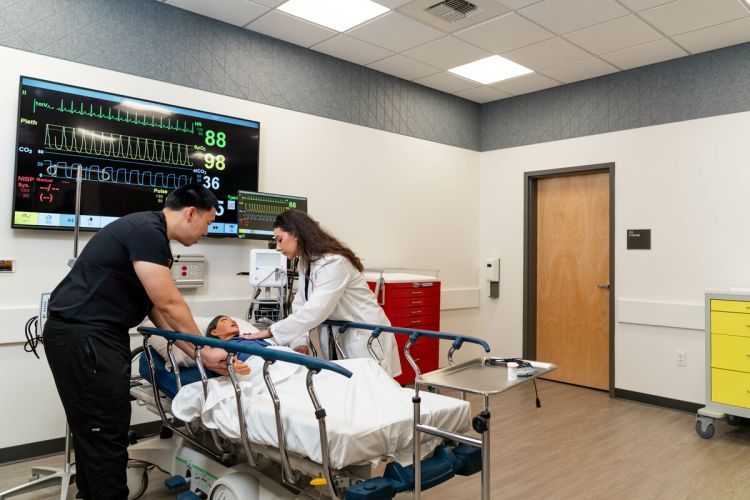
With experiential learning built into everything we do, you'll gain hands-on experience no matter your chosen major. Explore over 80 undergraduate programs to find the one that brings your passion to life.

A network unlike any other
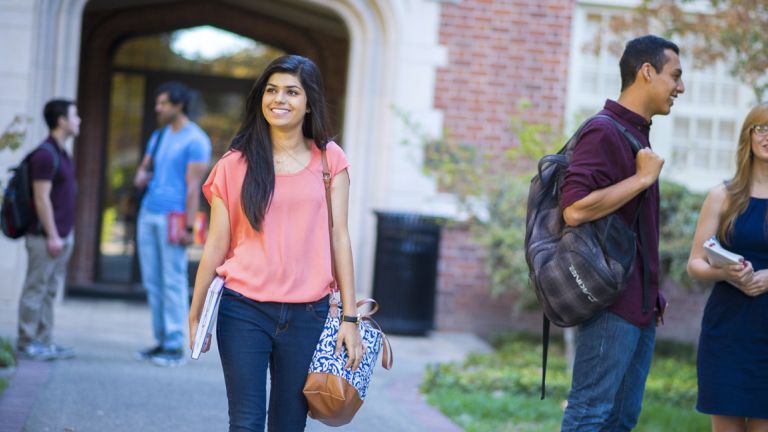
Our community is among the most diverse in the nation. Our students are bright, determined, and above all else, in it together. From the classroom to co-curriculars, our students create connections that reach far beyond their time on campus.

A place for opportunity
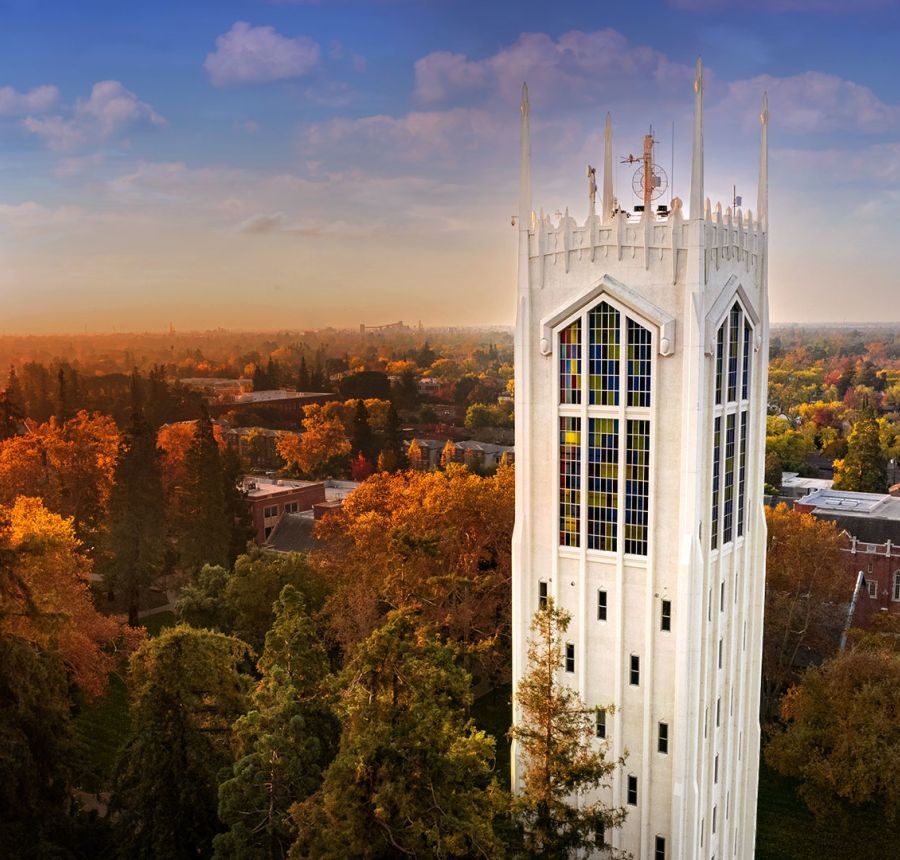
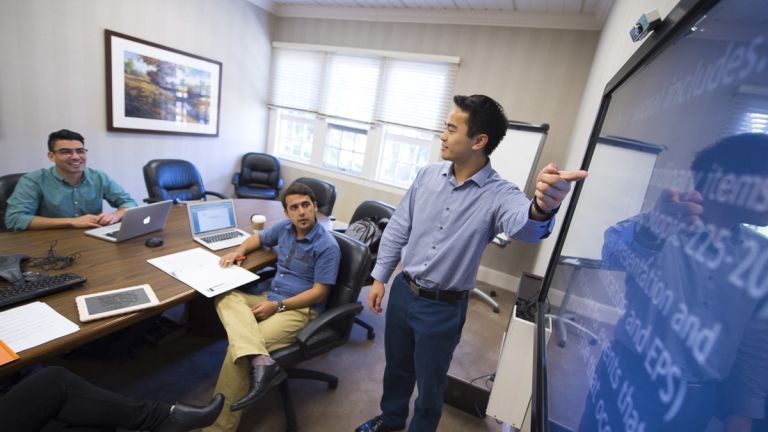
Located in Northern California, University of the Pacific offers a gateway to some of the fastest growing economic and cultural centers in the world. Pacific and the surrounding area are on the cutting edge of science and math-based disciplines, health, the arts, and business innovation.
Pacific in practice
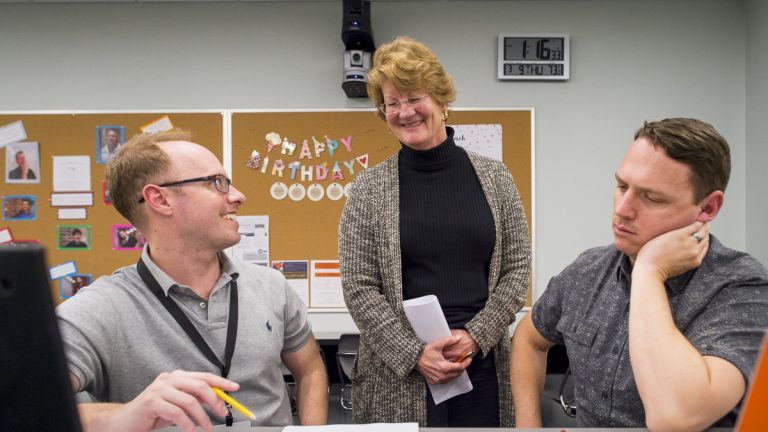
With unique access to internships, co-ops, accelerated academic programs and customizable degrees, you’ll get a head start on your future. With our individualized approach, students receive personal attention that supports their growth and academic ambitions.
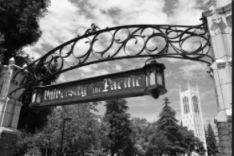
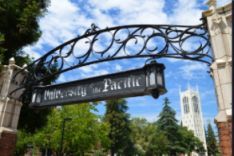
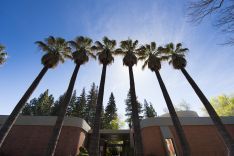
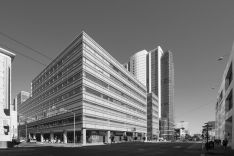
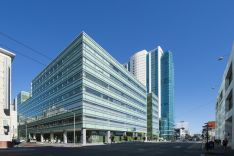
Our campuses in Stockton, Sacramento, and San Francisco offer students the unique opportunities each city provides. With our wide range of distinct and experiential programs, at each of our campuses you'll find expansive opportunities to connect to California's and the country's fastest growing ecosystem of industrial, technological, social, cultural, and economic growth.


3200 Fifth Avenue,
Sacramento, California 95817
916.520.7499

3601 Pacific Avenue,
Stockton, California 95211
209.946.2285

155 Fifth Street,
San Francisco, California 94103
415.400.8222

in rankings for overall career earnings
(Georgetown University Center on Education and the Workplace)
Among Private Universities in the West
(Wall Street Journal/College Pulse 2024)
Best value university in the nation
(U.S. News & World Report, 2023)