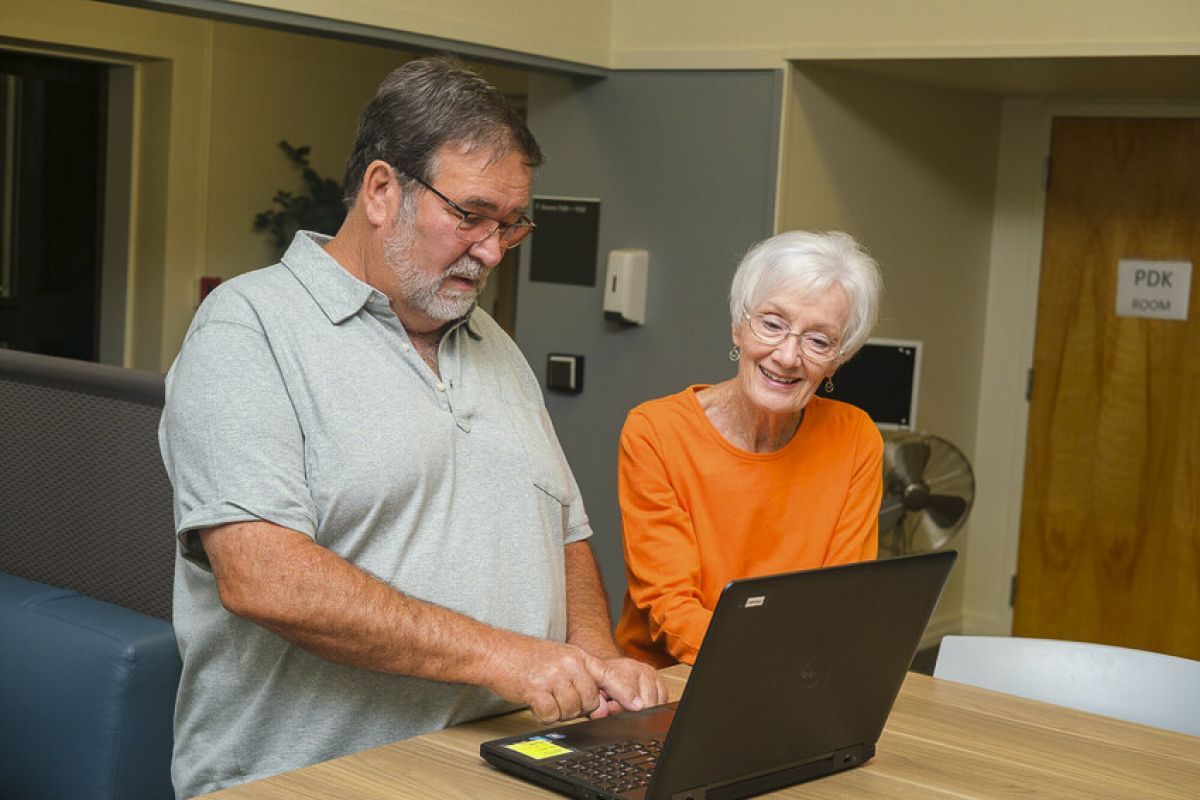


All Computer & Technology classes are $20 per session. There must be a minimum of 10 registered members in the class in order to proceed.
NOTE: Be sure to bring everything that might be helpful, including login details and your mouse, if applicable. Make sure your device(s) is charged. Not available for Mac OS devices.
Ask Me Anything AI
Date & Time: Thursday, Feb. 19 | 5:30–7 PM
Location: Benerd College #118
Cost: $20
Instructor: Rebeca Noble, “Apple Guru” & David Diskin, Microsoft Certified “Master”
The “Ask Us Anything About AI” session is an interactive class designed for exploration of artificial intelligence (AI) in an approachable way. Hosted by two seasoned technicians - David Diskin, Microsoft Master and Rebeca Noble, Apple Guru. We’ll cover AI topics in plain language, showing how it appears in daily life. We’ll review safety, privacy, and scam awareness. The class blends short explanations and open Q&A sessions, allowing participants to ask any question without technical pressure.
Ask Me Anything – Apple iOS
Date & Time: Thursday, Mar. 12 | 5:30–7 PM
Location: Benerd College #110B
Cost: $20 (1 Session)
Instructor: Rebeca Noble, Assistant Director of Customer Service Delivery, is also known as the “Apple Guru,” with over 20 years of experience working with Apple products.
Come and ask me anything you’d like to know about Apple iOS (iPhone or iPad). I encourage open and unrestricted questioning about Apple’s most popular products. This will be a free-form session, so bring your curiosity!
MAXIMUM 12 TOTAL PARTICIPANTS
Laptop and Mobile Drop-In Q&A
Date & Time: Thursday, Mar. 19 | 1:00 – 3 PM
Location: Benerd College #110B
Cost: $20 (1 Session)
Instructor: David Diskin, Microsoft Certified “Master”
If you’ve got questions, David might have the answers! In this unique OLLI session, David is hosting “office hours” for members to drop-in and get help with their Windows laptop and Android mobile devices, one-on-one! Bring your questions about photos, email, Excel, Facebook, or just about anything else that’s on your mind or causing you trouble.
MAXIMUM 12 TOTAL PARTICIPANTS
Windows 11 Tips and Shortcuts
Date & Time: Thursday, Mar. 26 | 1:00 – 3 PM
Location: Benerd College #110B
Cost: $20 (1 Session)
Instructor: David Diskin, Microsoft Certified “Master”
Attendees will learn how to use and customize the Start Menu and taskbar, us the Notification Center and Quick Settings, and take full advantage of powerful, built-in search features. We’ll cover some of the built-in apps like Clock, Calculator, and Weather plus efficient ways to manage windows, multiple monitors, and virtual desktops. Attendees will also learn useful settings for customization, accessibility, shortcut keys, and mouse techniques.
MAXIMUM 20 TOTAL PARTICIPANTS
Excel Math Made Easy
Date & Time: Thursday, Apr. 2 | 1:00 – 3 PM
Location: Benerd College #110B
Cost: $20 (1 Session)
Instructor: David Diskin, Microsoft Certified “Master”
This session introduces foundational Excel functions like SUM, AVERAGE, COUNT, and simple arithmetic using common examples. You’ll learn how formulas work, how to reference cells correctly, and how to troubleshoot common formula errors-even if you’re not a numbers person. Attendees should first verify that Microsoft Excel is installed on their Windows or Mac PC. This class is NOT designed for mobile/tablet versions of Excel.
MAXIMUM 20 TOTAL PARTICIPANTS